

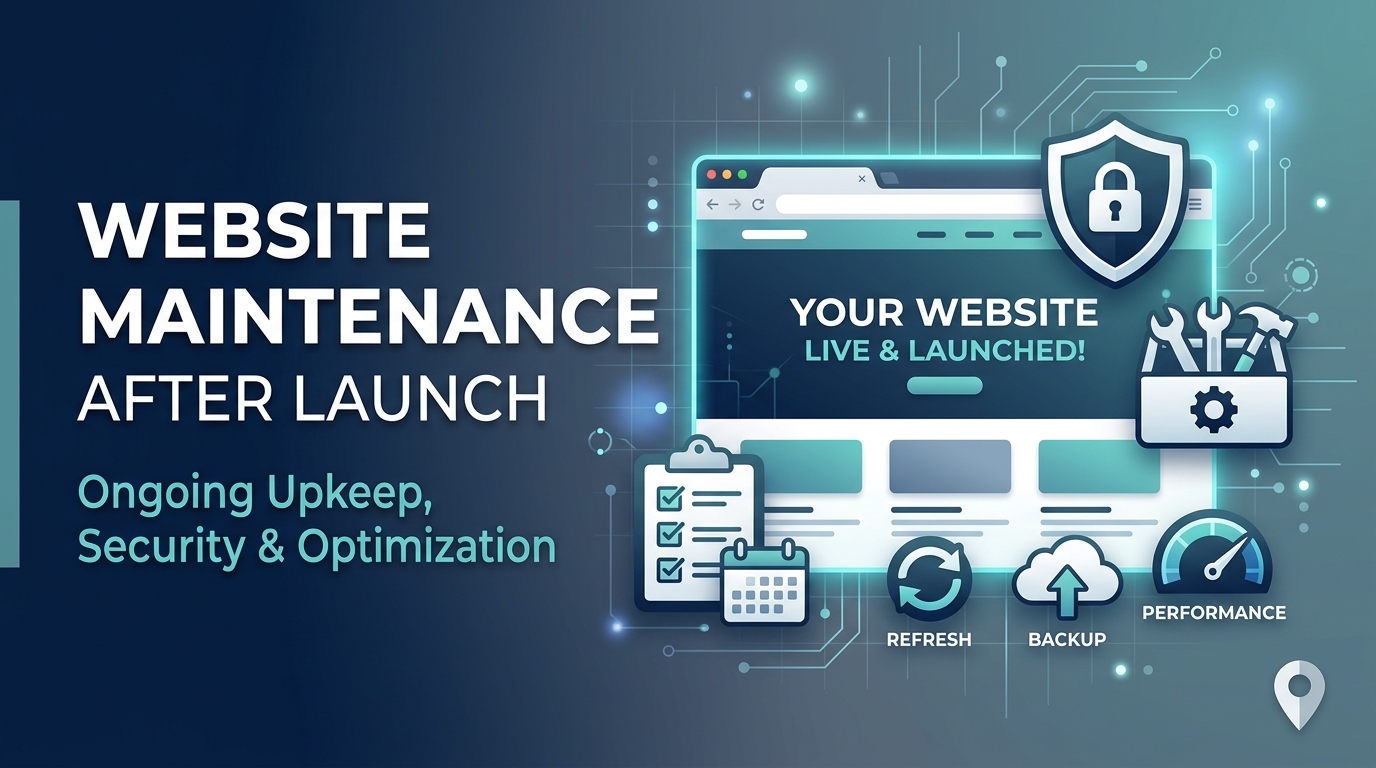
Website Maintenance Company Glendale: What Your Business Website Needs After Launch
Launching a website is an important milestone, but it isn't the end of the process. Businesses that invest in Website Development Services Beverly Hills also need ongoing maintenance to keep their websites secure, fast, functional, and useful for customers.
Software gets updated. Plugins become outdated. Security threats change. Content becomes inaccurate. Broken links appear. Website performance can decline as new features and media are added.
That's why website maintenance should be treated as an ongoing business activity rather than something you do only when something goes wrong. Whether you built your website last month or several years ago, this guide explains what your business website needs after launch and when professional maintenance may be worth considering.
Why Website Maintenance Matters
A website is often one of the first places potential customers interact with your business.
If the website is slow, contains broken pages, displays outdated information, or has technical problems, customers may leave before contacting you.
Regular maintenance helps protect several areas at once:
- Security
- Performance
- Functionality
- User experience
- Search visibility
- Content accuracy
- Conversions
Maintenance isn't necessarily about making major changes every week.
Often, it's about preventing small problems from becoming expensive ones.
1. Keep Your Website Software Updated
Websites commonly rely on content management systems, plugins, themes, frameworks, and other software.
These components can receive updates that address:
- Security vulnerabilities
- Bugs
- Compatibility issues
- Performance problems
- New functionality
Leaving everything outdated indefinitely can create unnecessary risks.
However, updates should be handled carefully.
A major update can sometimes conflict with existing functionality, so businesses should ideally maintain a backup and test important changes before applying them to a live website.
2. Maintain Regular Website Backups
A backup gives your business a recovery option if something goes wrong.
Backups can become important after:
- Security incidents
- Failed updates
- Server problems
- Accidental changes
- Website errors
- Data loss
A strong backup process should consider both how frequently backups occur and where they are stored.
It's also useful to periodically verify that backups can actually be restored.
A backup that cannot be recovered when needed doesn't provide much protection.
3. Monitor Website Security
Security shouldn't be treated as a one-time setup.
Businesses should monitor their websites for suspicious activity and keep security tools and software appropriately updated.
Depending on the website, security maintenance may include:
- Software updates
- Strong authentication
- Access control
- Malware monitoring
- Firewall protection
- Security scanning
- Login monitoring
The exact requirements depend on the website's technology and business needs.
4. Check Website Speed
Website performance affects both user experience and business outcomes.
People don't want to wait unnecessarily for pages to load.
A slow website can contribute to:
- Higher abandonment
- Lower engagement
- Poorer user experience
- Fewer conversions
This makes website optimization for speed an important part of ongoing maintenance.
Don't only test your homepage.
Review important pages such as:
- Service pages
- Product pages
- Landing pages
- Contact pages
- Blog articles
Performance can vary significantly from one page to another.
5. Optimize Images and Media
Large images and unnecessary media files can increase page weight.
Review images regularly and make sure they're appropriately sized and compressed.
Useful practices can include:
- Using modern image formats where appropriate
- Compressing large images
- Serving appropriately sized images
- Avoiding unnecessary video files
- Lazy-loading suitable media
The goal isn't simply to make every image as small as possible.
Images still need to look professional and support the user experience.
6. Find and Fix Broken Links
Broken links can frustrate visitors and make websites harder to navigate.
Regularly check internal and important external links.
Pay particular attention to:
- Navigation menus
- Service pages
- Blog posts
- Contact links
- Calls to action
- Product pages
A link that worked six months ago may not work today.
When pages are removed or URLs change, make sure appropriate redirects or updated links are used.
7. Review Forms and Contact Methods
A website can look perfect while quietly losing leads because a contact form isn't working.
Test important conversion points regularly.
Check:
- Contact forms
- Quote requests
- Newsletter forms
- Booking forms
- Phone links
- Email links
- Checkout processes
Don't assume a form works because it worked when the website launched.
A simple test submission can identify problems before customers do.
8. Keep Business Information Current
Outdated information can damage trust.
Review:
- Business hours
- Phone numbers
- Email addresses
- Services
- Pricing information
- Team information
- Locations
- Contact details
For businesses serving Glendale and nearby areas, accurate local information is particularly important.
If customers see conflicting information across your website and other business listings, they may become uncertain about which information is correct.
9. Review Mobile Experience
A website should be checked on mobile devices, not just desktop computers.
Review important pages for:
- Readability
- Navigation
- Button sizes
- Forms
- Image display
- Page speed
- Pop-ups
- Horizontal scrolling
Responsive design doesn't mean a website should simply shrink to fit a smaller screen.
The mobile experience should remain easy to use.
10. Monitor Website Analytics
Analytics can help identify problems that aren't obvious during a normal website visit.
Review metrics such as:
- Traffic
- Engagement
- Landing pages
- Conversion rates
- Device usage
- Traffic sources
- Exit behavior
A sudden change in traffic or conversions can sometimes indicate a technical or tracking problem.
Analytics should therefore be part of website maintenance rather than something reviewed only at the end of the year.
11. Check Search Visibility
Technical website problems can affect organic visibility.
During maintenance, review issues such as:
- Indexing problems
- Broken pages
- Redirects
- Duplicate URLs
- Missing metadata
- Mobile usability
- Site structure
Maintenance isn't the same as a complete SEO strategy, but technical health provides an important foundation for search performance.
12. Keep Your Content Fresh
Website maintenance isn't only technical.
Content also needs attention.
Review important pages to make sure information is still accurate and useful.
Update:
- Service descriptions
- Statistics
- Team information
- Case studies
- Testimonials
- Images
- Calls to action
- Frequently asked questions
Old content can make an otherwise professional website feel neglected.
13. Check Your Calls to Action
Your website should make it obvious what visitors can do next.
Review calls to action across important pages.
Examples include:
- Request a quote
- Book a consultation
- Call the business
- Contact the team
- View services
- Get started
A CTA should match the visitor's stage in the decision-making process.
A visitor reading an educational article may need a different CTA from someone viewing a service page.
14. Test Third-Party Integrations
Many websites connect with external services.
Examples include:
- Analytics platforms
- CRM systems
- Email marketing tools
- Payment processors
- Booking systems
- Chat tools
- Marketing automation platforms
If an integration breaks, the website may continue looking normal while important business processes stop working.
Regular testing can catch these problems earlier.
15. Know When Your Website Needs More Than Maintenance
Sometimes maintenance isn't enough.
A website may need larger improvements when:
- The design looks outdated
- The CMS is difficult to manage
- The website is consistently slow
- Mobile usability is poor
- Conversions have declined
- The technology is no longer supported
- The site can't support new business requirements
In those situations, rebuilding or redesigning the website may make more sense than continually repairing an outdated system.
Maintenance protects a healthy website.
It doesn't make an unsuitable website permanently suitable.
How Often Should a Website Be Maintained?
There isn't one schedule that works for every business.
Some tasks should happen continuously or automatically, while others can be reviewed monthly, quarterly, or annually.
Regularly
Monitor:
- Security
- Backups
- Uptime
- Important errors
Monthly
Review:
- Updates
- Forms
- Analytics
- Broken links
- Website performance
Quarterly
Review:
- Content
- SEO health
- Mobile experience
- Conversion paths
- Third-party integrations
Annually
Consider a broader website review covering:
- Design
- Technology
- Business goals
- User experience
- Conversion performance
- Overall website strategy
The larger and more important the website, the more structured its maintenance process should be.
When Should You Hire a Website Maintenance Company?
Managing a small website internally may be possible.
Professional maintenance becomes more valuable when your website:
- Generates leads or sales
- Uses complex technology
- Has multiple integrations
- Requires frequent updates
- Handles customer information
- Supports important marketing campaigns
- Has experienced recurring technical issues
A professional team can also help identify problems before they become obvious to customers.
For businesses without an internal development team, outsourcing maintenance can provide ongoing technical support without requiring a full-time developer.
Looking for Website Support in Glendale?
Businesses that need ongoing website support can work with Friday Marketing Agency for web development, optimization, and digital marketing services in Glendale and Beverly Hills. The agency can help businesses maintain website performance while supporting broader goals such as user experience, conversions, search visibility, and online growth.
Conclusion
A website should not be considered finished simply because it has launched.
Regular maintenance helps keep your website secure, functional, fast, accurate, and useful to customers.
Start with the fundamentals: updates, backups, security, speed, broken links, forms, mobile usability, analytics, content, and integrations.
Then review the website against your current business goals.
If your website is healthy, ongoing maintenance can help protect that investment.
If the technology or structure is no longer meeting your needs, it may be time to consider a larger redesign or development project.
The important thing is to keep your website working for the business—not simply keep the website online.
Frequently Asked Questions
What does a website maintenance company in Glendale actually do?
A website maintenance company in Glendale you hire may handle ongoing website updates, backups, security monitoring, performance checks, broken links, content updates, forms, and technical issues.
How often should a business website be maintained?
Important security, backup, and uptime tasks may require frequent monitoring, while broader performance and content reviews can be completed monthly or quarterly.
Does website maintenance improve website speed?
Ongoing maintenance can help identify performance problems, although significant speed issues may require dedicated website optimization for speed work or technical redevelopment.
What happens if I don't maintain my website?
Outdated software, broken functionality, security vulnerabilities, inaccurate content, and performance problems can develop over time. These issues can affect both users and business results.
Is website maintenance necessary for WordPress websites?
Yes. WordPress websites and their themes and plugins require ongoing updates, backups, security monitoring, and compatibility checks.
When should I redesign instead of maintaining my website?
Consider a redesign when your site's technology, structure, design, mobile experience, performance, or conversion capabilities no longer support your business needs.


