

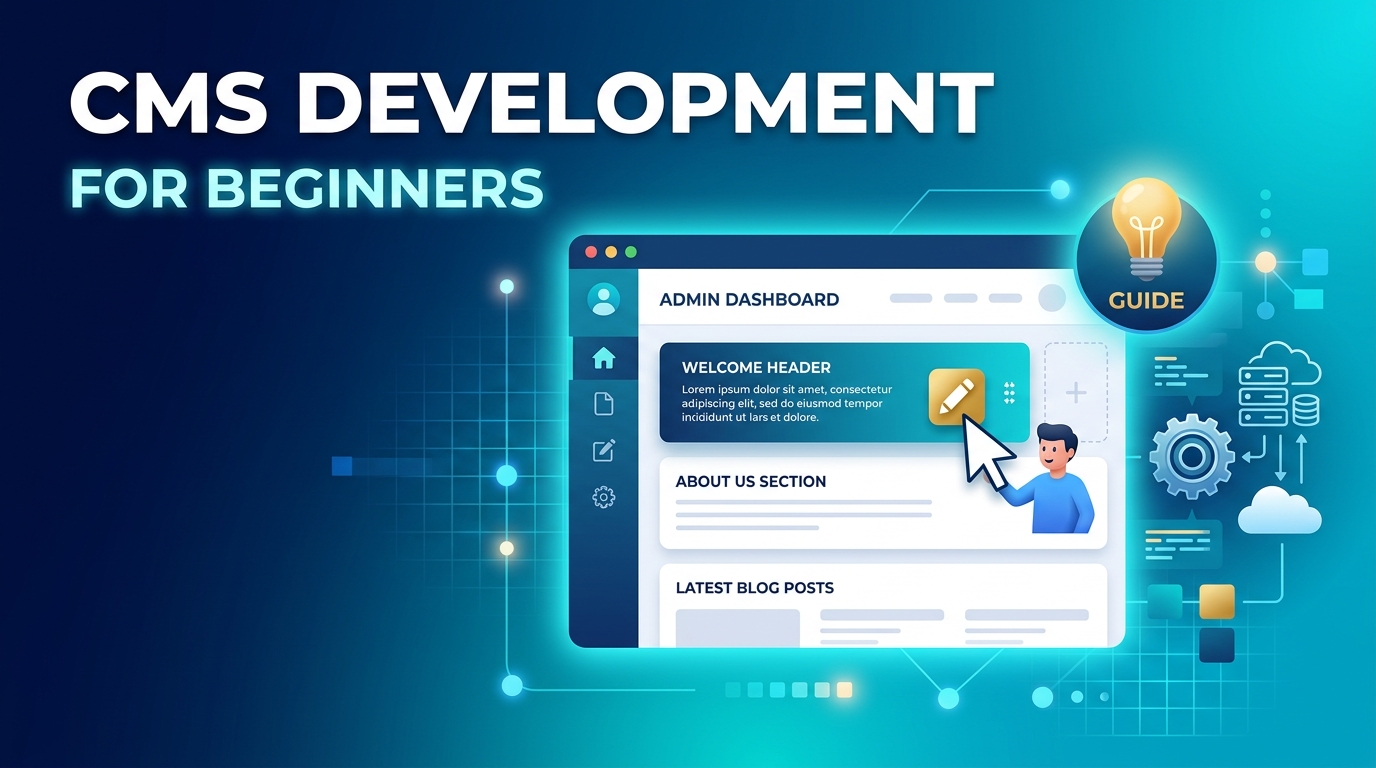
What Is CMS Development? A Beginner’s Guide to Managing Your Business Website
Managing a business website should not require you to be a coding expert.
Whether you want to publish a new blog post, update your services, add images, or change a page, a content management system (CMS) can make the process much easier. Instead of asking a developer to make every small update, your team can manage much of the website through an organised interface.
But what exactly is CMS development, and how can it help your business?
In this guide, we’ll explain how a CMS works, what businesses should look for and when working with a CMS development company in Glendale can be a smart choice.
What Is CMS Development?
CMS development is the process of building, customising, or improving a website that uses a content management system.
A CMS gives businesses a way to create and manage website content without needing to edit the website's underlying code every time.
For example, a business might use its CMS to:
- Add a new service page
- Publish blog articles
- Upload images and videos
- Edit product information
- Update contact details
- Manage website menus
- Add new team members
- Organise content
Popular CMS platforms include WordPress, Drupal, Joomla and other systems designed for specific business needs.
The important point is that a CMS is more than a simple editing tool. When properly developed, it can become the foundation that makes a website easier to manage and grow.
How Does a Content Management System Work?
A CMS generally has two main parts.
The Content Management Area
This is the part that website administrators use.
Instead of working directly with HTML, CSS or other code, users can log into an administration area and make content changes through a visual interface.
For example, a marketing manager could create a new article, add an image, format the text and publish it without writing code.
The Website Front End
This is what your customers see.
The CMS stores your content and delivers it through the website's design and functionality. When someone visits a page, the system pulls the relevant content and displays it to the visitor.
A well-built CMS connects these two sides smoothly.
Why Do Businesses Need a CMS?
A CMS can make website management faster and more practical.
Imagine you run a local service business and want to add a new service. Without a suitable CMS, you may need to send the content to a developer and wait for the change to be made.
With a properly configured CMS, your authorised team may be able to make the update themselves.
Easier Content Updates
Your team can update website content without relying on a developer for every small change.
Better Content Management
A CMS can help organise pages, blog posts, images and other website content in one place.
Faster Publishing
New content can often be created and published quickly, which is useful for businesses investing in SEO and content marketing.
Easier Website Growth
As your business grows, you may need new pages, sections or content types. A flexible CMS can make those additions easier to manage.
What Does a CMS Developer Actually Do?
CMS development can involve much more than installing a platform.
A developer may customise the system to match a business's specific requirements.
This could include:
- Building custom website features
- Creating custom templates
- Connecting third-party tools
- Setting up forms
- Improving website navigation
- Creating custom content types
- Integrating APIs
- Improving website security
- Optimising performance
- Setting up user permissions
- Making the website responsive
This is why choosing the right CMS development company in Glendale matters. The goal is not simply to put a CMS behind your website. It is to create a system that supports how your business actually works.
CMS Development vs. Website Development
These terms are related, but they are not exactly the same.
Website development covers the broader process of building and maintaining a website. It can include front-end development, back-end development, databases, integrations and custom functionality.
CMS development focuses specifically on websites built around a content management system.
A website development company Glendale may therefore offer CMS development as part of a wider development service.
For a small business, a CMS-based website may be ideal because it gives the team control over everyday content. A larger business with more complex requirements may need a heavily customised CMS or a completely custom development solution.
What Should You Look For in a CMS?
Not every CMS is right for every business.
Before choosing one, consider the following.
Ease of Use
If your marketing or office team will manage the website, the CMS should be easy to understand.
A complicated system can create unnecessary work.
Flexibility
Your website may look simple today, but your needs can change.
Choose a system that can support new pages, features and content as your business grows.
Security
Your CMS should be kept updated and properly configured.
Strong passwords, user permissions, software updates and secure hosting all play a role in protecting your website.
Mobile Responsiveness
Your website needs to work properly across desktops, tablets and smartphones.
Responsive design helps the layout adapt to different screen sizes.
SEO-Friendly Structure
A CMS should make it practical to manage important SEO elements such as page titles, URLs, headings, image information and content.
However, a CMS alone does not guarantee search rankings. Good SEO also requires useful content, technical optimisation, authority and a strong overall strategy.
When Should You Hire a CMS Development Company?
You may be able to set up a basic CMS website yourself. But professional development becomes more useful when your business has specific requirements.
For example, you may need:
- A custom website design
- Unique website functionality
- CRM integration
- Payment integration
- Advanced forms
- Membership features
- Custom content types
- Multiple user roles
- Better performance
- A website migration
- A redesign of an existing CMS
A professional team can also help you avoid building a website that becomes difficult to maintain later.
How CMS Development Supports SEO
Your CMS and SEO strategy should work together.
When your team can easily publish useful content, update existing pages and maintain a clear website structure, it becomes easier to keep your website fresh.
A CMS can support tasks such as:
- Publishing educational blog content
- Updating service pages
- Managing page titles
- Creating organised URLs
- Adding internal links
- Optimising images
- Updating older content
Technical SEO still matters, though. Website speed, mobile performance, structured data, crawlability and other technical factors need attention too.
In fact, Friday Marketing's existing website content highlights website performance as an important part of creating a better user experience and supporting conversions.
Signs Your Current CMS May Need an Upgrade
Your current website may be holding your business back if:
Your team struggles to make simple updates
If every small change requires developer support, your CMS may not be set up efficiently.
Your website is difficult to expand
Adding a new service, landing page or content section should not require rebuilding the entire site.
Your website feels outdated
An old CMS or poorly maintained website can create usability, security and performance problems.
Your systems do not connect
If your website needs to connect with a CRM, email platform, analytics system or other business software, custom development may be needed.
Your website performs poorly
A CMS does not automatically make a website fast. Poor code, excessive plugins, large images and weak hosting can all affect performance.
Choosing the Right Web Development Partner
Choosing a web development agency in Glendale is about more than finding someone who can build a website.
Look for a team that understands both technology and business goals.
Ask potential developers:
- What CMS platforms do you work with?
- Can you customise the CMS?
- How will the website be maintained?
- How will you approach security?
- Can the system integrate with our existing tools?
- How will the site perform on mobile devices?
- Will our team be able to manage content?
- What happens if we need new features later?
A good development partner should explain technical decisions in language you can understand.
How Professional Website Design Fits Into CMS Development
A CMS controls how content is managed, but design controls how visitors experience that content.
Your website should be easy to navigate, visually consistent and designed around the actions you want visitors to take.
That could mean contacting your business, requesting a quote, booking an appointment, buying a product or learning more about a service.
This is where professional website design Glendale can make a difference. Good design and good CMS development should work together rather than being treated as separate projects.
Build a Website That Is Easy to Manage and Ready to Grow
A website should not become a burden every time your business needs to make a change.
A well-planned CMS gives your team more control over everyday content while providing a strong foundation for future growth. The right platform, design and development approach can also make it easier to publish content, support SEO and deliver a better experience for customers.
Need a Better CMS for Your Business?
Friday Marketing combines data, creativity and technology to help businesses grow online. Its website development services include site mapping and wireframing, content writing, UI/UX design, custom development and CMS development.
If your current website is difficult to manage, outdated or not built around your business goals, Friday can help you explore a more practical solution.
Book a consultation with Friday Marketing
Frequently Asked Questions
What is CMS development?
CMS development is the process of building, customising or improving a website that uses a content management system. It allows businesses to manage website content more easily.
Is CMS development only for large businesses?
No. Small businesses can benefit from a CMS too. It can make it easier to update services, publish content and manage website information without needing technical skills for every change.
What is the difference between CMS development and web development?
Web development is a broad term covering the creation of websites and web applications. CMS development focuses on websites that use a content management system to manage content.
Do I need a developer to manage a CMS website?
Not always. One of the main benefits of a CMS is that non-technical users can manage many everyday tasks. However, developers may still be needed for custom features, security, integrations and technical maintenance.
Can CMS development help with SEO?
Yes. A well-configured CMS can make it easier to publish and manage SEO-friendly content. However, rankings also depend on content quality, technical SEO, backlinks, user experience and other factors.
How do I choose the right CMS for my business?
Consider your budget, website size, content needs, technical requirements, integrations, security and future growth. The best CMS is the one that fits your business rather than simply being the most popular platform.
Should I redesign my website or change my CMS?
It depends on the problem. If the design is outdated but the CMS works well, a redesign may be enough. If the CMS is difficult to use or cannot support your requirements, changing or rebuilding the CMS may be a better option.


